 Mac-first. Quietly powerful.


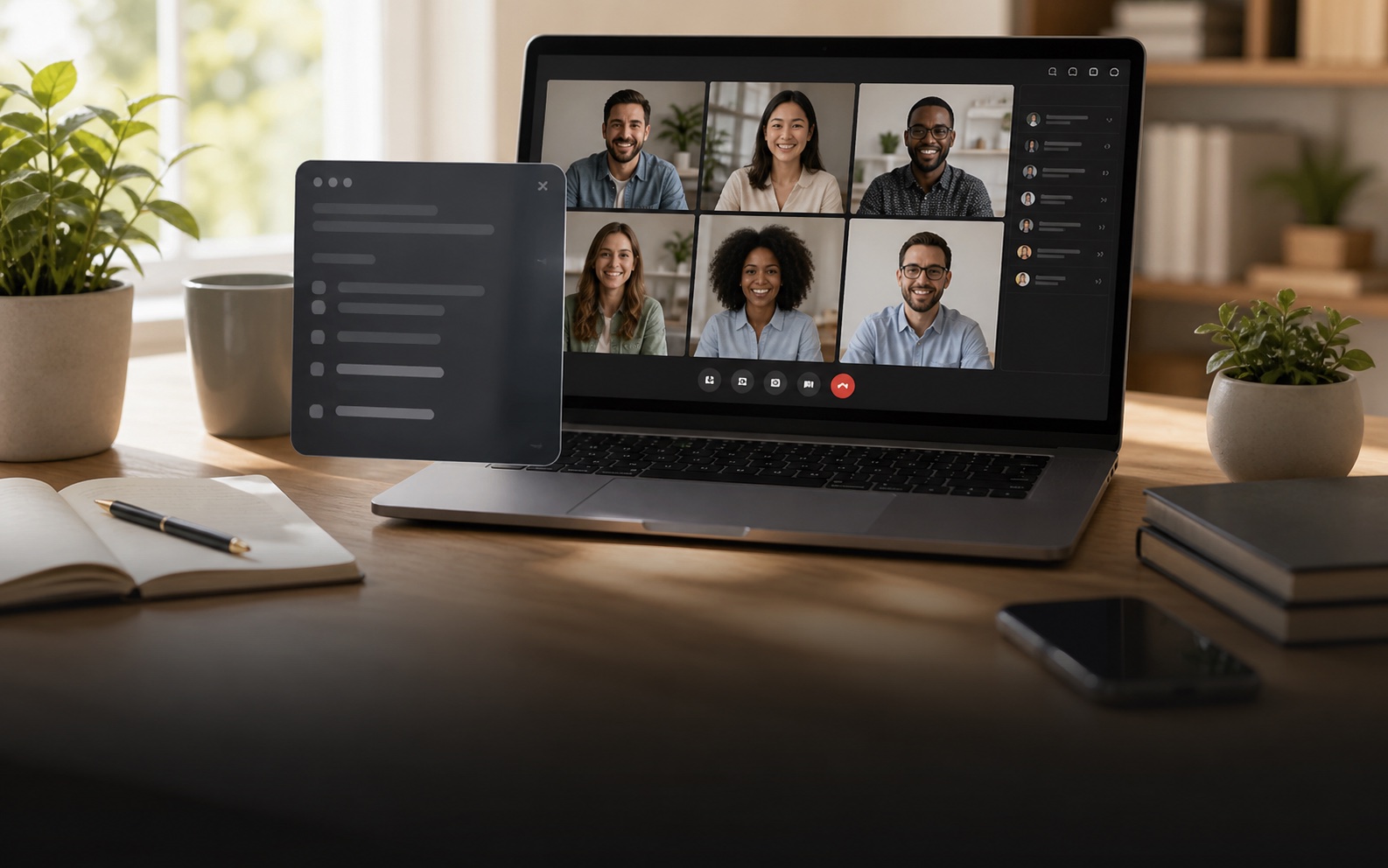
01Stealth mode
Private help on your screen.
Scriberfy runs on your desktop, not inside the meeting. You see the help, everyone else just sees the call.
Mac-first. Quietly powerful.
Scriberfy listens in real time, understands your prep, and surfaces crisp answers, notes, and next steps only you can see.
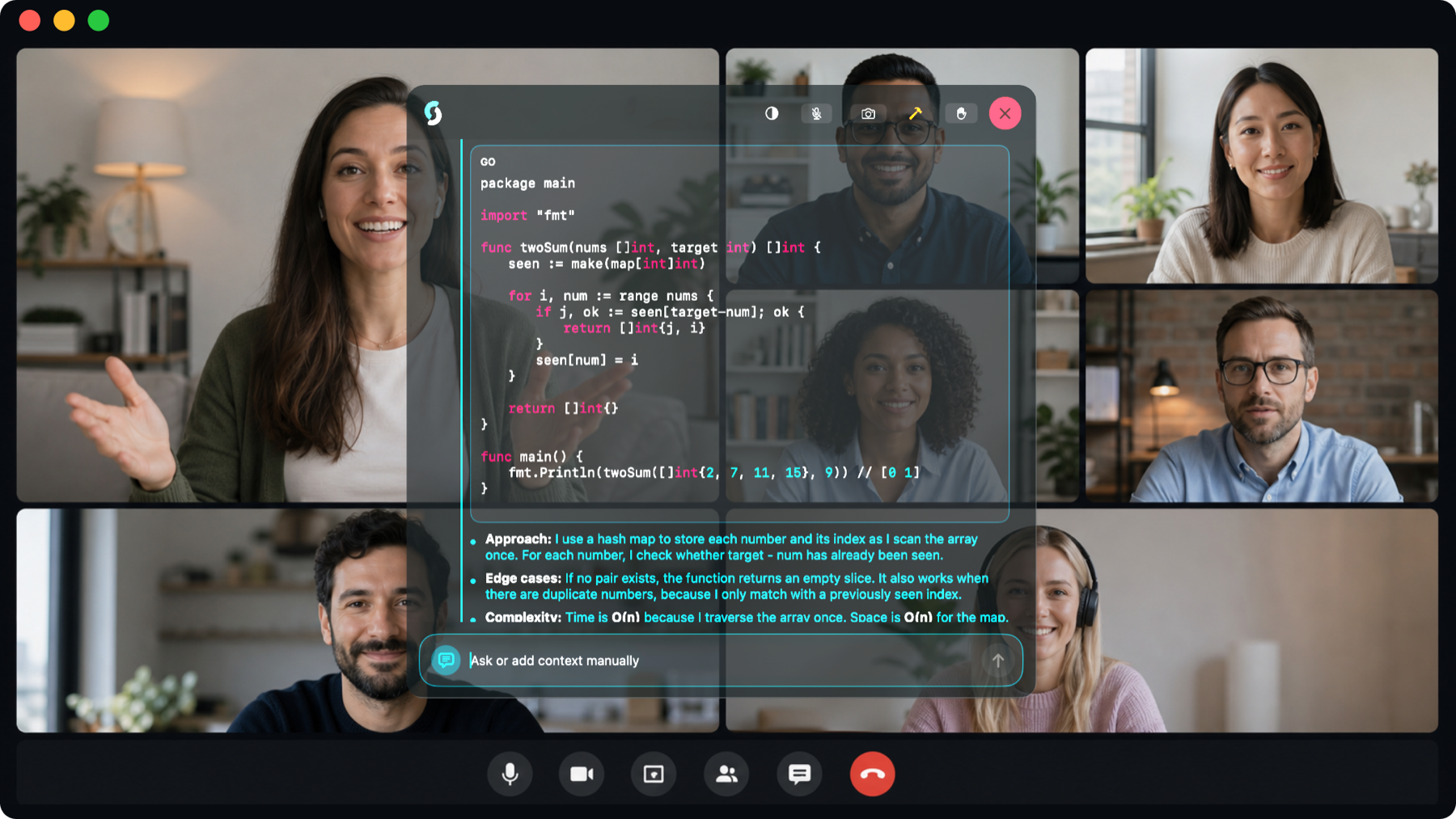
Works where the pressure happens
Features
Scroll through the parts of Scriberfy that turn live pressure into calm, usable answers.
Scriberfy runs on your desktop, not inside the meeting. You see the help, everyone else just sees the call.
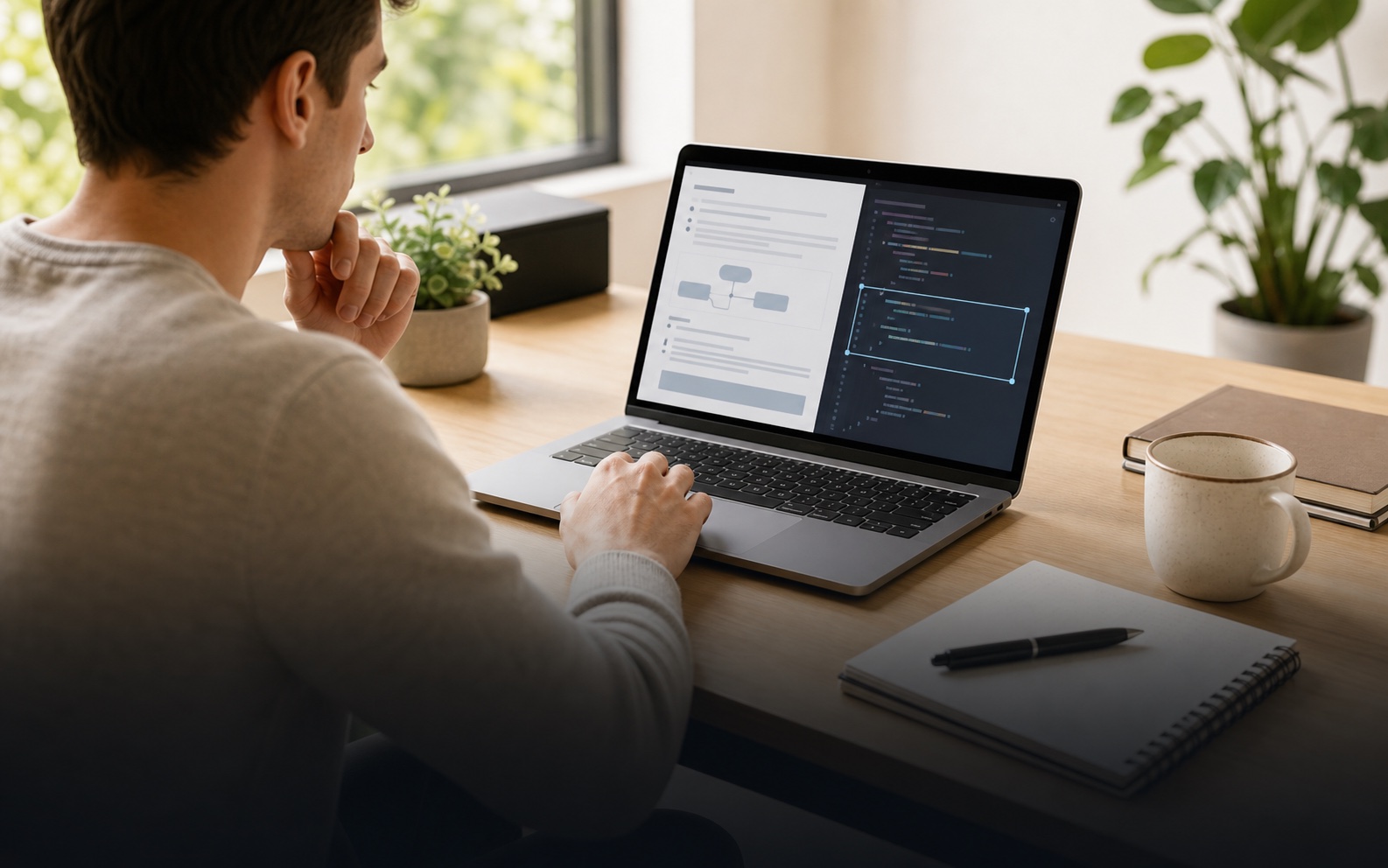
Add screenshot context from coding prompts, dashboards, tickets, slides, or shared documents when the conversation needs it.
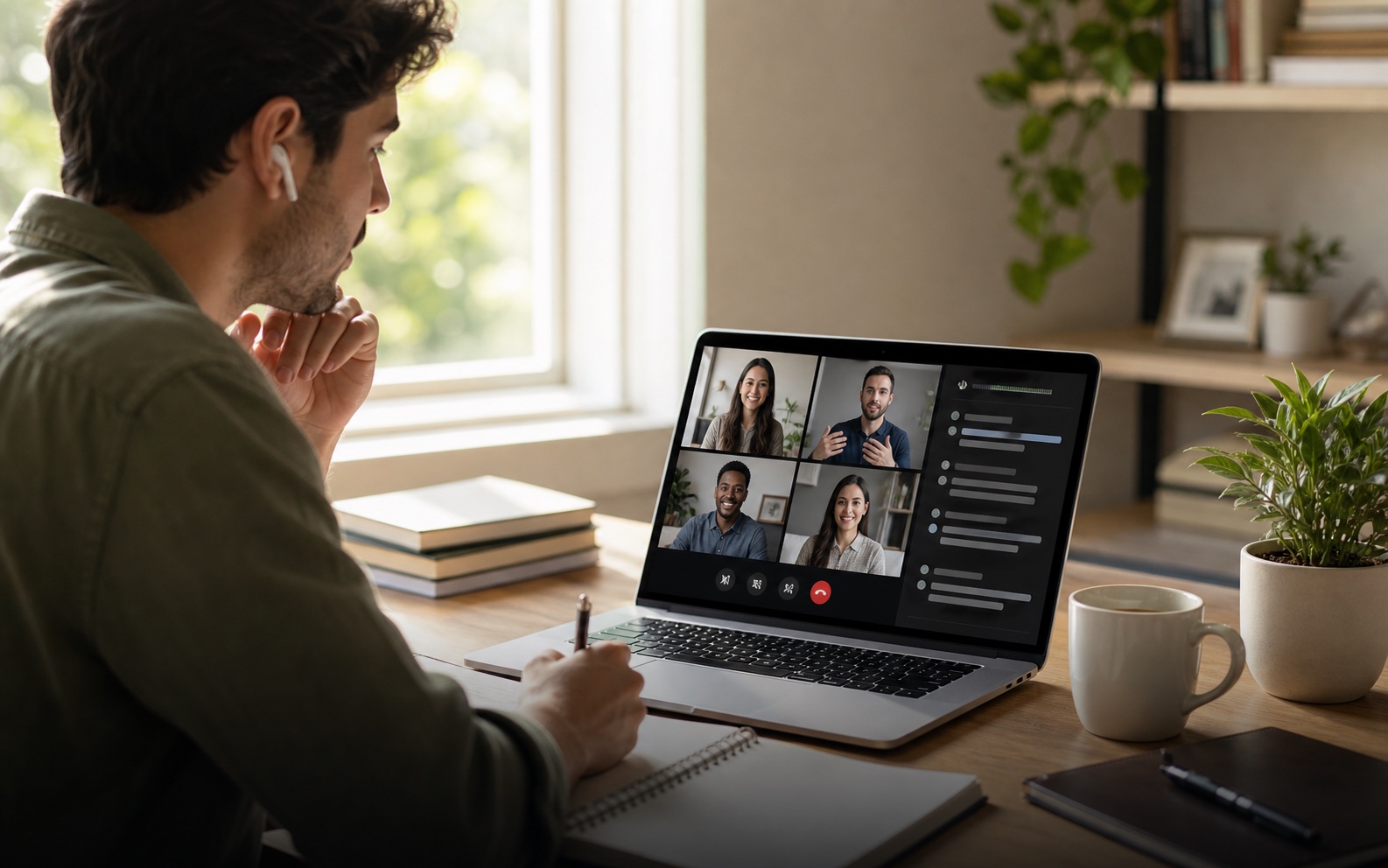
Live transcription keeps Scriberfy aware of the latest question, so responses stay relevant while the meeting is still happening.

Add your CV, notes, documents, and links so answers can use the context you already prepared.

Use meeting, interview, coding, sales, or support modes so the response style matches what you are doing.
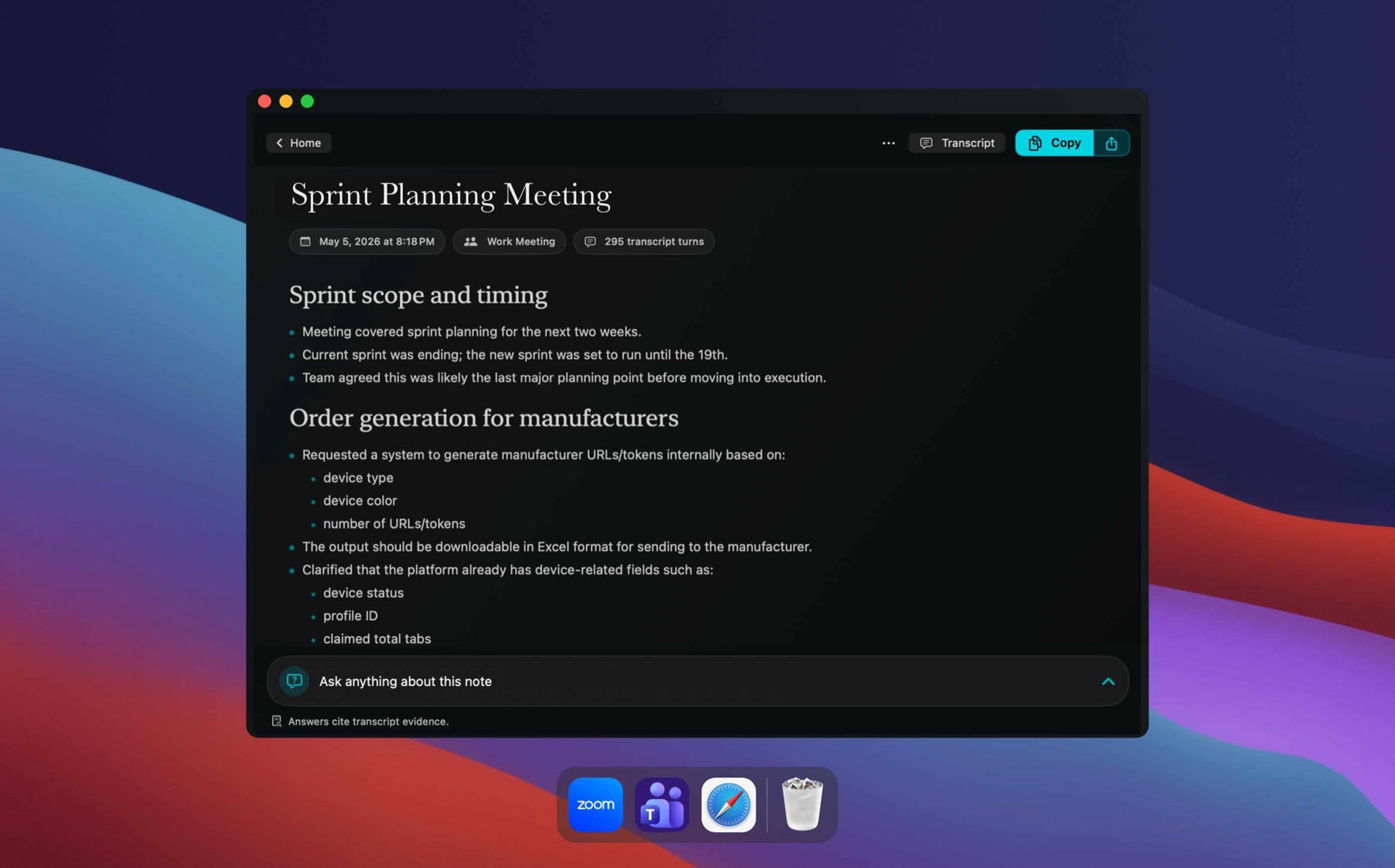
Save summaries, decisions, risks, and next steps so you can come back to the important parts later.
Instant note summaries
Scriberfy turns the conversation into a clear summary with decisions, risks, and follow-ups, so you do not have to write everything down.
Stealth mode
Scriberfy does not join as a guest. It stays on your screen, with controls for hiding, clicking through, and moving fast with shortcuts.
Scriberfy stays on your desktop, so there is no bot, guest tile, or recording-style attendee in the meeting.
Stealth mode can keep the overlay out of window-based screen sharing and screenshots while it remains visible to you.
Turn on click-through when you want your mouse clicks to go straight to the app underneath.
Move, hide, fade, scroll, capture, send, mute, and toggle click-through without leaving the keyboard.

Privacy-first architecture
Scriberfy is designed around temporary processing, local memory, and explicit exports.
Audio is used for live transcription through the configured speech provider. Scriberfy does not save raw meeting audio in its cloud.
Saved transcript turns, summaries, and meeting archives live on the user’s device unless they choose to export or sync them.
Send finished notes to destinations like Notion, Google Docs, Slack, or Markdown when you want them outside the app.



Plans
Start free, then upgrade for deeper assist, notes, stealth, and context.
Try Scriberfy in a real call before committing.
For interviews, meetings, and everyday live assistance.
For stealth assistance that stays invisible when the pressure is visible.
Notes mode captures the meeting, creates meeting summaries, and lets you ask questions across meeting chats. Live AI Assist is the real-time assistant for meetings, interviews, and high-pressure calls.
Free includes 1 hour of Notes mode and 20 Live Assist minutes every month, so you can try both workflows before choosing a paid tier.
Pro includes everything in Standard, then adds stealth and undetectable mode, Live AI Assist session notes and summaries, coding help, screenshot analysis, and more premium AI models.
No. Scriberfy runs as a private desktop overlay. It does not join your call as a guest, bot tile, or meeting participant.
Stealth and undetectable mode are designed to keep the overlay out of supported screen-sharing and capture paths, while still keeping it visible to you.
Scriberfy is designed around temporary processing, local memory, and explicit exports. Notes stay local by default unless you choose to export them.
Yes. The pricing cards show both monthly and 3-month options, with the 3-month plan designed for interview seasons, assessments, and short bursts of intense work.

 Audio
Audio Live transcript
 Local notes